Win a new job
Homepage to photo quote to a priority in the office, an estimate with an approve and pay link, and a job on the crew schedule.
Adam and Mike built Jupiter Tequesta Screen on fast answers, guaranteed quotes and a five-year warranty, across three brands and three counties, and 115 Google reviews say it works. This preview shows what happens when the digital side gets the same care you put into every cage: a website that sells the work, a portal homeowners love, and an office that runs the whole business from one screen.
Everything here runs in your browser with clearly labeled sample data. Nothing is live, nothing is sent, and nothing about Jupiter Tequesta Screen's current website or accounts has been changed.
Follow it in order, or jump in anywhere. Each step is clickable and the pieces talk to each other.
 1
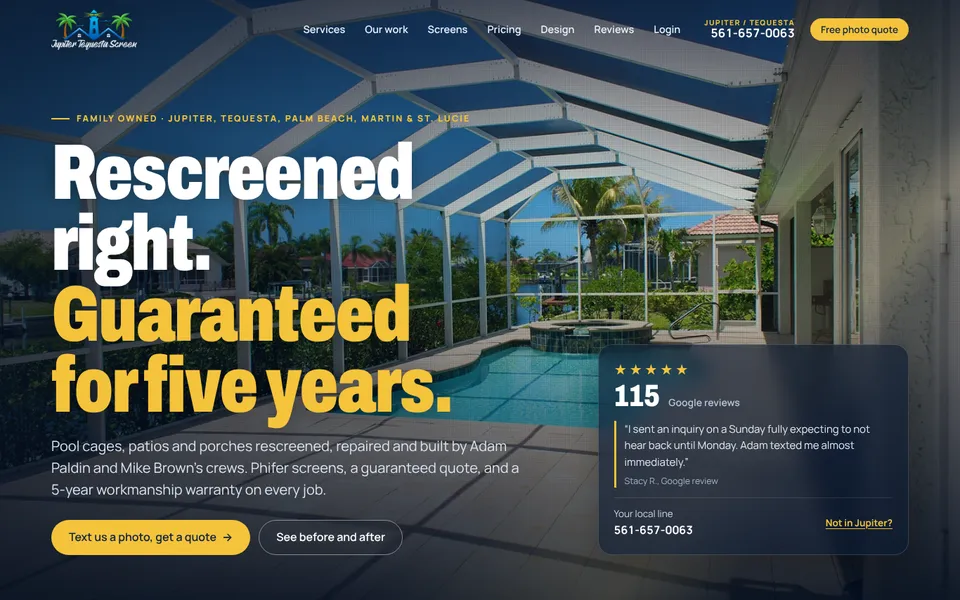
1A premium homepage that gets “rescreened” as it loads, with real before and afters, a screen lens, a price check and an enclosure builder.
 2
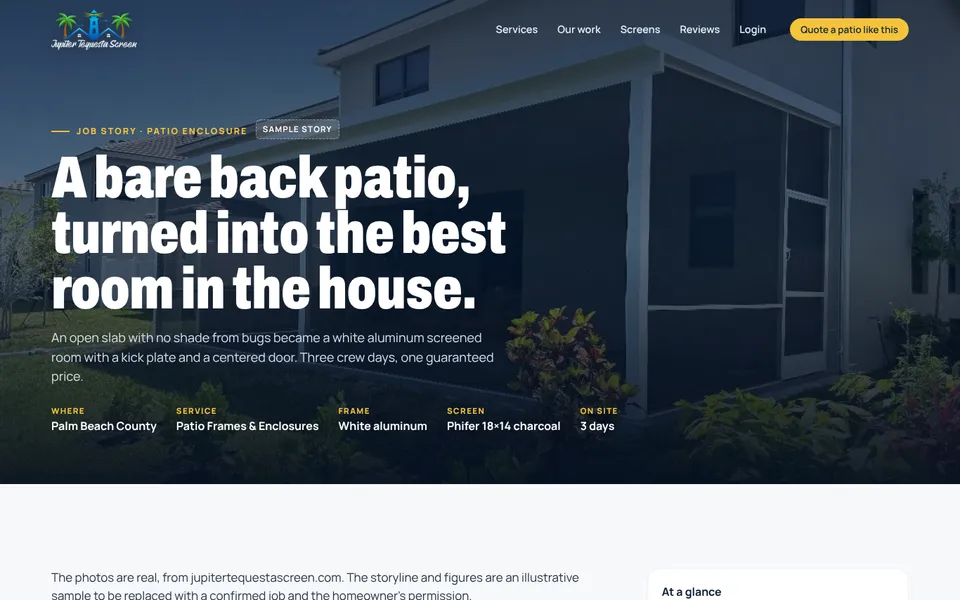
2A bare patio becomes a screened room in three days, told the way the next homeowner wants to hear it.
 3
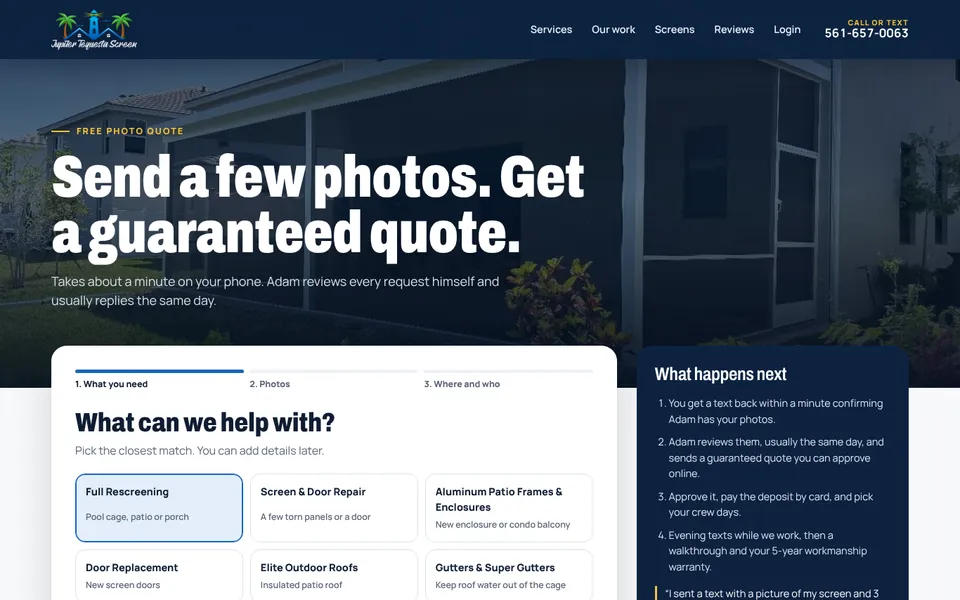
3Pick the service, add photos, enter a ZIP. It routes to the right brand and lands in the office. Try it.
 4
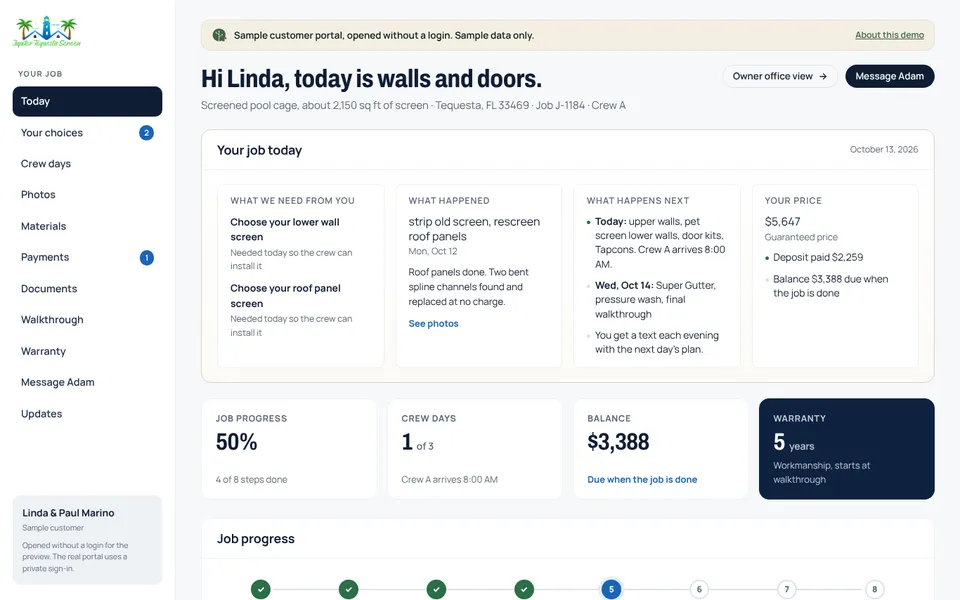
4Today’s crew plan, photos, materials, payments, documents, the walkthrough and the warranty, in one calm place.
 5
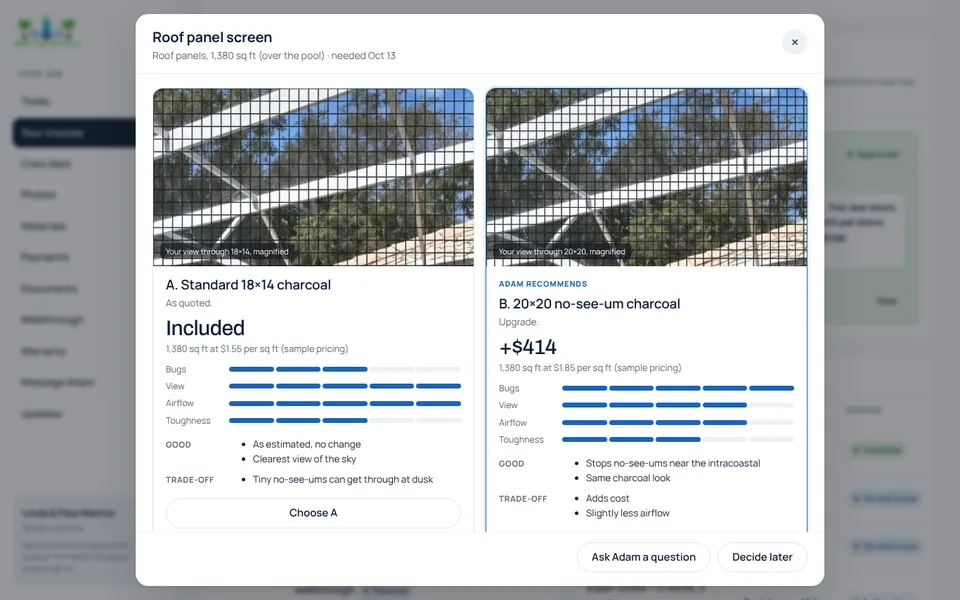
5Two screens side by side through the same lens, the exact price difference, and why Adam recommends one. One tap to approve.
 6
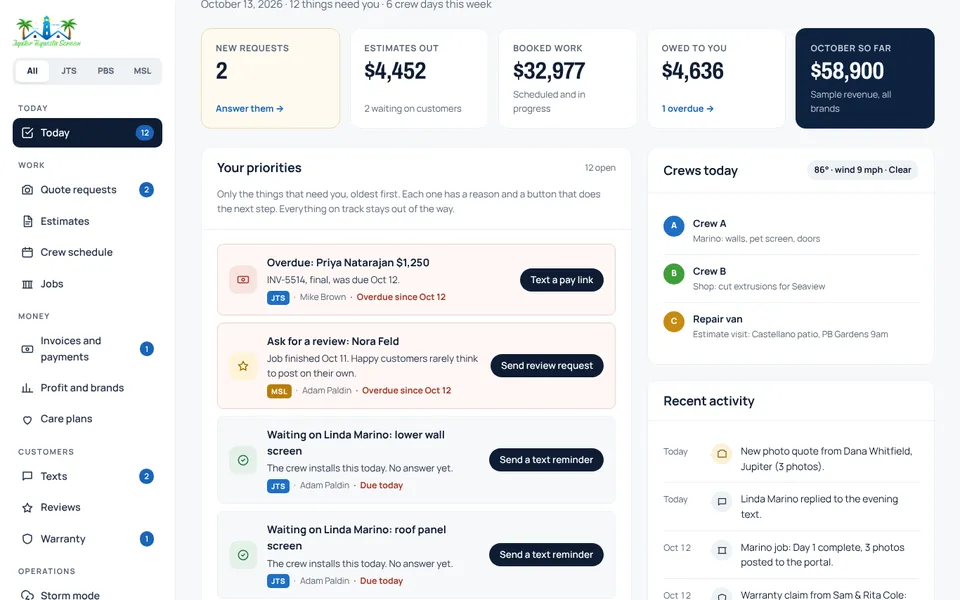
6Requests, estimates, the crew schedule with wind, jobs, invoices, texts, reviews, warranties, storm mode and materials, for all three brands.
Pick one and a small guide follows you through the pages, pointing at the control to use and showing what changes on the other side. Each one resolves a real business problem from beginning to end.
Homepage to photo quote to a priority in the office, an estimate with an approve and pay link, and a job on the crew schedule.
Standard or no-see-um on the roof, seen through the same lens with the price. Approve it, and the office orders the screen.
One switch puts storm help on the website. Damage reports come in sorted safety first and book themselves around the wind.
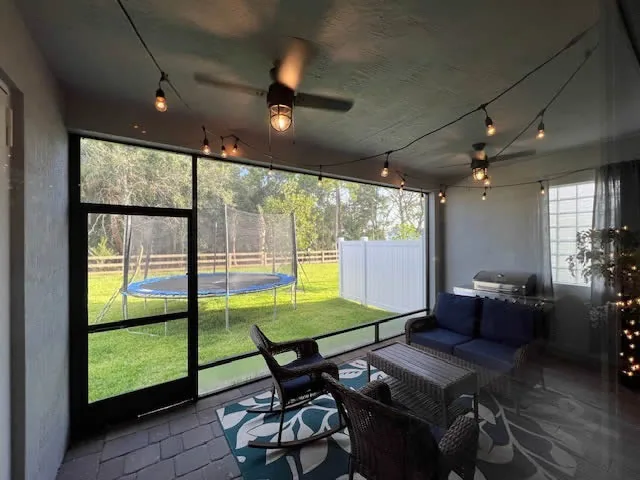
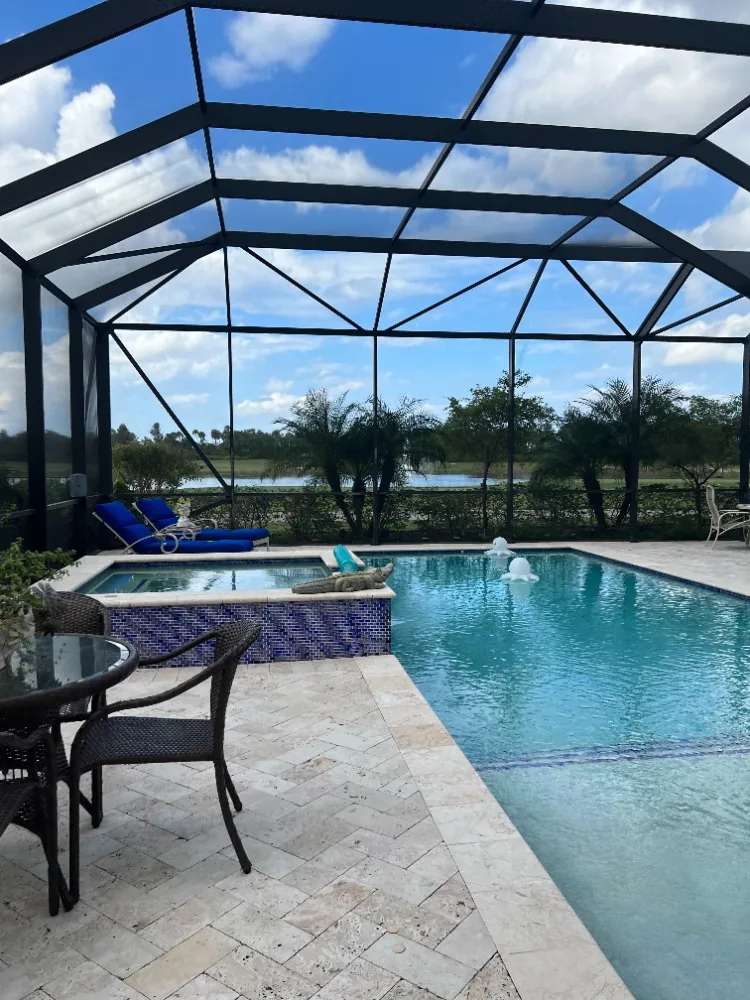
Optional, and not a test. This is how I learn how you work so the technology fits you, not the other way around. You are not designing software here, just describing a normal week.
Answer whatever is easy. Skip the rest. Your answers stay in this browser; use the copy button to send them to me however you like.
The goal isn’t just to build Jupiter Tequesta Screen a better website. It’s to build Jupiter Tequesta Screen a digital platform worthy of the company you’ve already built.
Scott Lovel · scott@seagrapelabs.com · seagrapelabs.com · Jupiter, Florida